

Enterprise Software · 5.8
Customer Support Automation
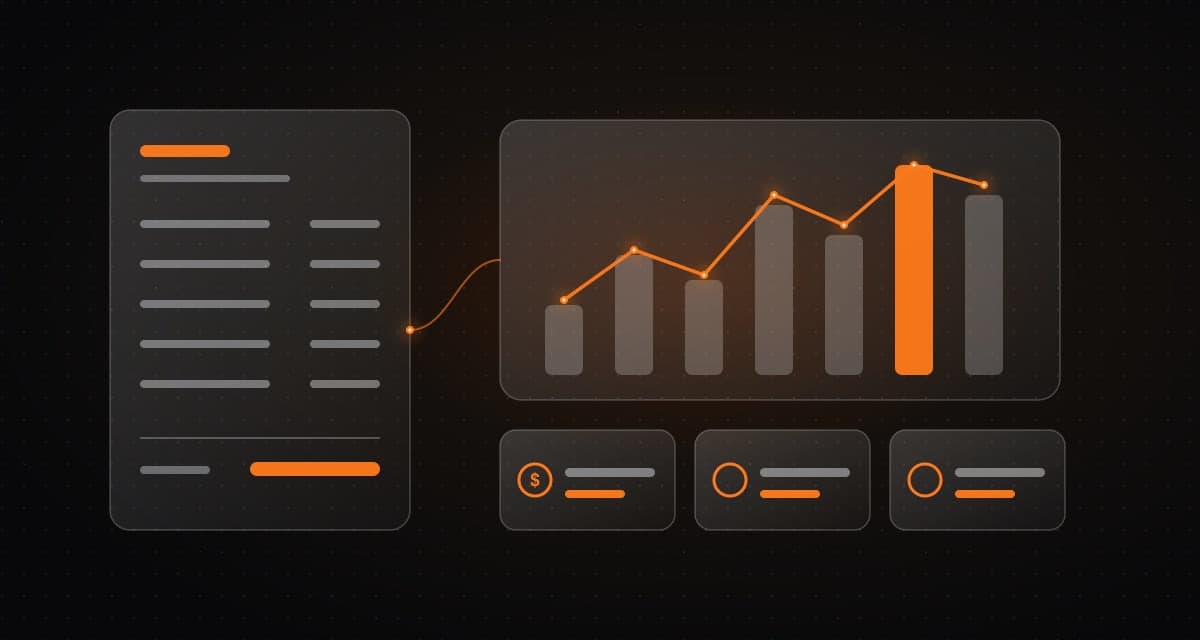
Support tools can classify requests, suggest responses, retrieve approved knowledge, route tickets, and summarise conversations.
What it is and how it works
Support tools can classify requests, suggest responses, retrieve approved knowledge, route tickets, and summarise conversations.
Who it is for
Support teams handling many routine requests who want faster responses and better context for complex cases.
What is typically included
- Request classification and routing
- Suggested responses and approved-knowledge retrieval
- Conversation summaries
- Escalation and human oversight
Client benefit
Routine questions can be handled faster and agents gain context for complex cases.
Keep in mind
Escalation and human oversight help preserve service quality.
Typical deliverables
The final list depends on discovery and the scope we agree together.
- 01
Support automation workflow
- 02
Knowledge retrieval over approved content
- 03
Escalation rules
How we deliver
- Step 1
Discover
Map the workflow, data, risks and constraints before any design work starts.
- Step 2
Architect
Define the system, integrations and human-approval points as a reviewable design.
- Step 3
Build
Deliver a practical first slice, then extend it in small, tested increments.
- Step 4
Operate
Monitor, secure and continuously improve the system after launch.
Common questions
Will customers talk to a bot only?
Routine questions can be handled faster, and escalation and human oversight help preserve service quality.
What knowledge does it use?
Approved knowledge sources you control.
Related reference architectures
Next
Talk through your system with our engineers.
Share the problem and constraints. We will map relevant capabilities to your goals, existing systems and timeline, then define scope and measurable outcomes.